Lessons from creating a Generative Adversarial Network Model
Continuing my adventures in learning about Machine Learning. I spent most of this week learning how to write and train my own [[GAN]], took a few detours into looking at MLOps.
Background
I realized recently that the proliferation in ML techniques, tools and models presents a huge change in the tech industry. We're probably several years out from when ML is ingrained in software development, much like 15 years ago with the launch of the iPhone, mobile application development.
As a software developer (engineer), I wanted to understand this space, not just through using Midjourney, Dall-E or whatever new popular ML model outputs, but understand how to implement them, what are the easy and difficult parts of them and use that information to understand the potential of this space.
The Project
I wanted to do something that was a mix of some of my past experiences together with exploring the space using ML. I decided to try use the same image generation techniques that are present in image generation services but using it on a smaller domain of images, mobile screenshots.
The idea is to create my first trained Generative Adverserial Network to generate plausible looking screenshots of mobile apps.
Process & Tools
The data I'm using is the Rico dataset which consists of a corpus of around 60,000 Android screenshots from around 2017. This is not very recent, but its a large enough database for my first attempt.
The ML library I'm using is Keras & Tensorflow, mostly because that is the one I'm most familiar with. For the environment, I'm using Google Colab. Google Colab is a great choice because it's relatively inexpensive on the Pro plan to get access to a GPU for training purposes.
I've also started exploring some different ML ops tools that are starting to popup, including Hugging Face for access to a wide range of user-contributed datasets, Neptune and Weights and Biases for training tracking.
Learnings
For any type of problem in ML, there are numerous tutorials online. GANs are no different. There are so many different ways to do it, I followed the three most promising ones and combined parts that I liked.
I decided to begin at a small size and work my way up, looking at generating a 64x32 image, which is roughly double the size of the MNIST datasets that most tutorials use as their example data set (28x28).
The first attempt I made at this, I essentially trained a noise generator that just would not produce anything that resembled a screenshot at all. I really couldn't understand what I was doing wrong. ML models are hard to debug on their own, but with GANs being a combination of two different models, it's even harder to figure out what was wrong.
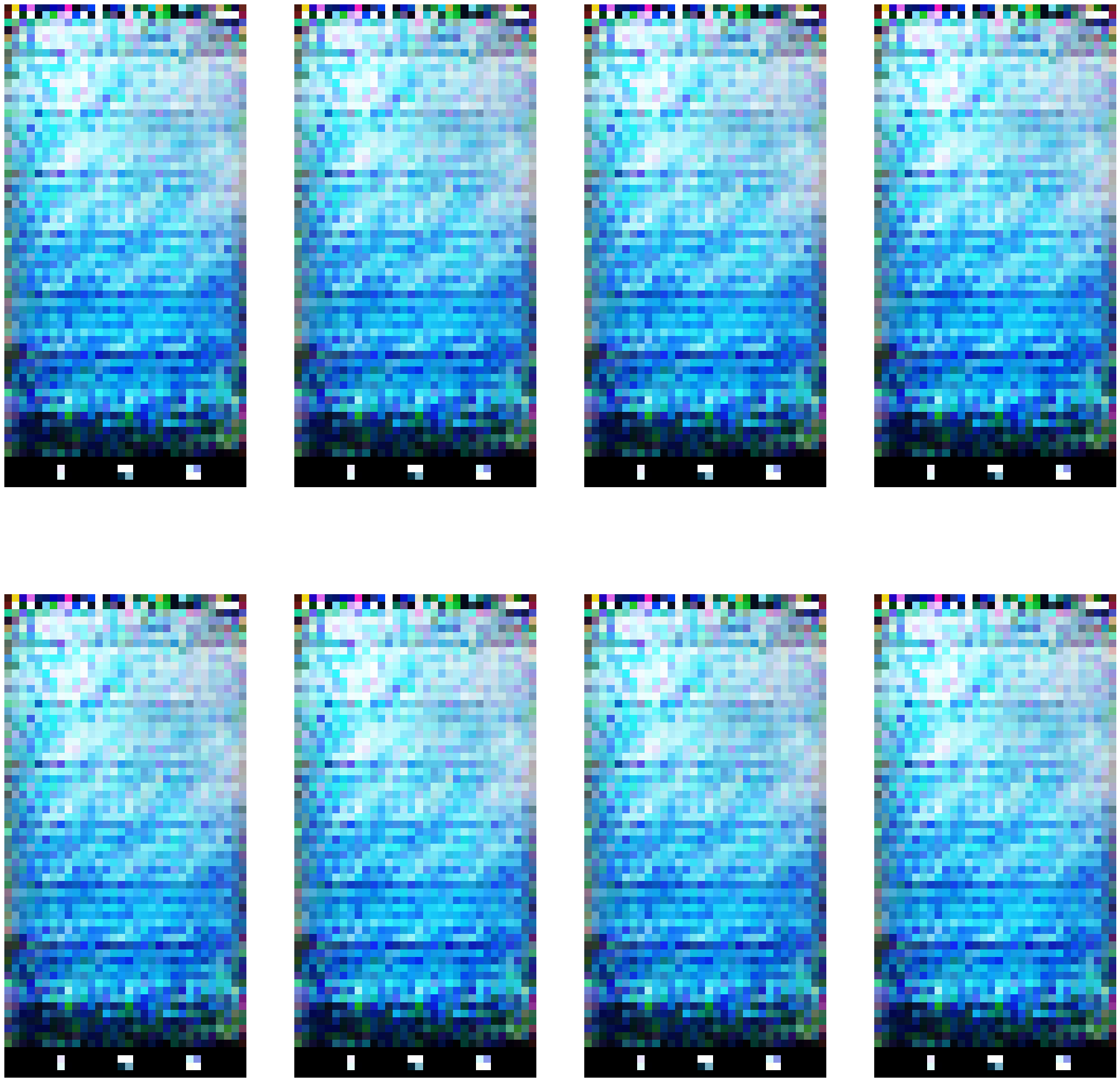
The problem here was there isn't much variety, and more training just seemed to cycle through different colors and splotches in the generated images.
In order to debug this, I went back through every line of the code, from how the model is constructed to the training look and looked to understand what everything was doing. When following tutorials, its tempting to just copy and modify parts you want. This turns out to be great if the dataset you have is the same. Because I'm using a totally different dataset, all the training hyperparamters needed to be different. Probably the most important is the training rate. Turns out, my training rate was 2 orders of magnitude lower than it should be, hence none of the models were getting far at all.
The models themselves were also buggy, lots of the layers in model had various scalar numbers that weren't self explanatory, it was until I read more tutorials where the authors explained more why certain numbers were chosen that I realized what they were for.
The state of the art for training GANs have also evolved since they were first introduced, people had discovered what they made them not converge or stall, and introducing improvements to it. But it was hard to tell whether those improvements were made with the tutorials I was following.
In the end, I ended up taking quite a lot of inspiration from the tutorials but tweaking them.
As I was using Google Colab, the runtime itself would occassionally disconnect (inactivity or time limits.) Even with my paid plan, this would still happen. So I had to turn how to do training checkpointing, saving model outputs to a file and restoring back the state.
Finally, I wanted to be able to monitor the state of the training outside of Google Colab, so I encountered ML tools like Neptune and Weights and Biases which provide a simple python library that allowed me to send progress metrics to a server which I could monitor during the training process.
Training and Faliures
As I had suspected, it is not easy at all to train a GAN. I did get it to start generating some decent low-res screenshots for a few attempts. Though, the quality never got to a point where I was really happy with.
It seemed like tweaking the learning rates is important as you are trying to keep the discriminator and generator error rates to be close to one another. Yet, I couldn't get mine to converge no matter how long I trained them. My takeway was that after about 50 epochs, you can generally know whether the model was working by seeing if there's any downward trend in the generator model.
When I trained this for longer, it would inevitably get worse! This was not what I was expecting, it seemed that the longer I trained it, the more the generator model would output less variety. For instance, generating screenshots for Android, I would expect quite a lot of Material Design looking apps with different colored bars, FABs, etc. But the longer I trained the model, the more white/grey looking it would become.
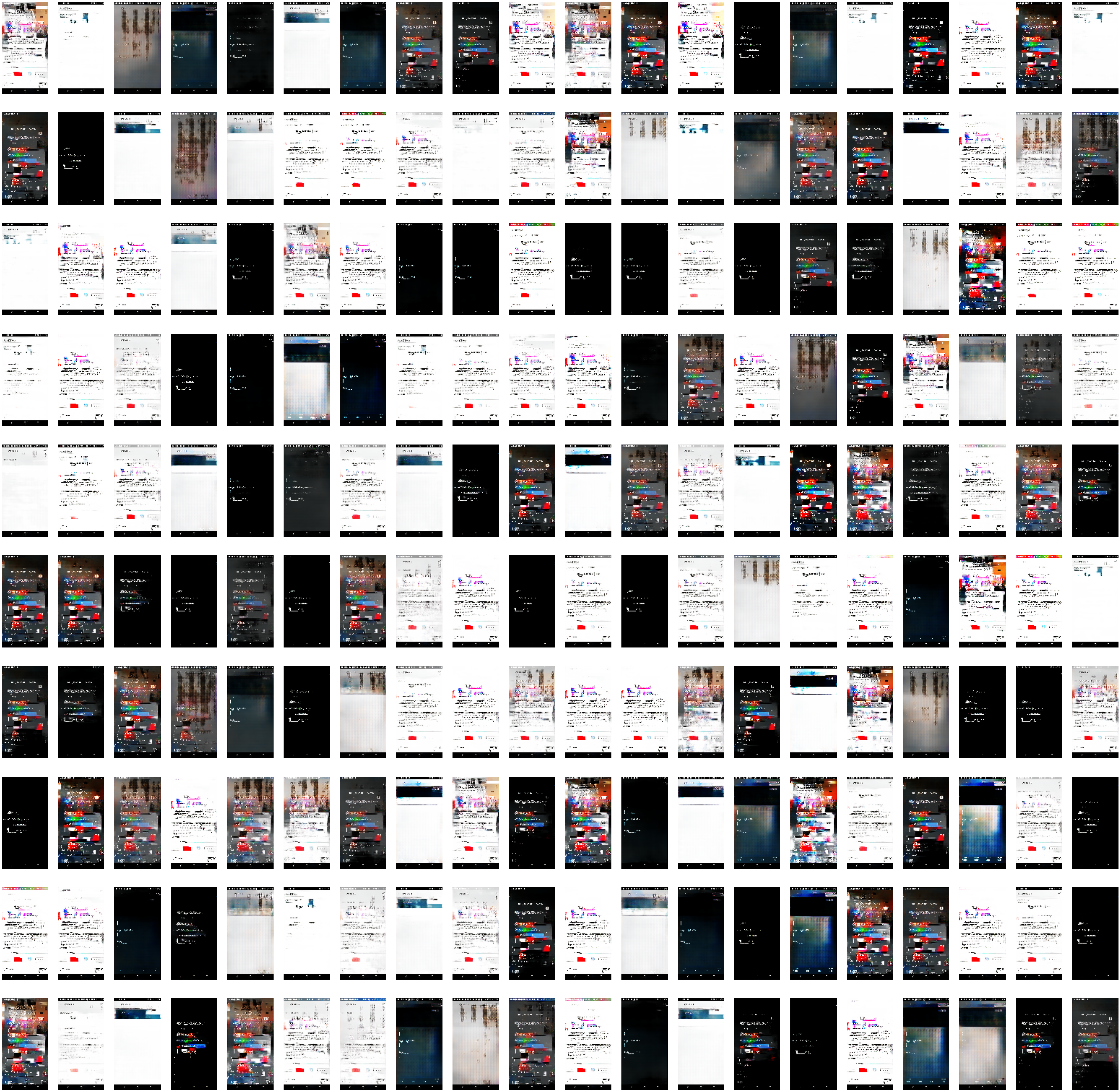
When I trained it to produce higher-res images, like 128x64 (4x the size), the model would experience Mode Collapse, which is that it would stop generating variety of different images to fool the discriminator, but it would zero in on only several variations. This meant that the results looked very similar to one another.
Next Steps
I'm going to continue to learn how to create a properly working GAN for my small domain set. The things I'm going to try is to learn more about data processing of the data set to balance it more.
Maybe will work on training it with a much smaller but cleaner dataset to see whether I end up with something better.
This will mean some time to explore image labelling and improve the image loading code that I have with my demo.
The goal is to get the model to the point that it can generate some good enough plausible screenshots that I'd share a demo of it.